AC Won’t Cool Below 75–78°F? What It Really Means
AC won’t cool below 75–78°F, even after repairs? Learn common causes, what thermostat cooling problem messages really mean, and when to call a pro.
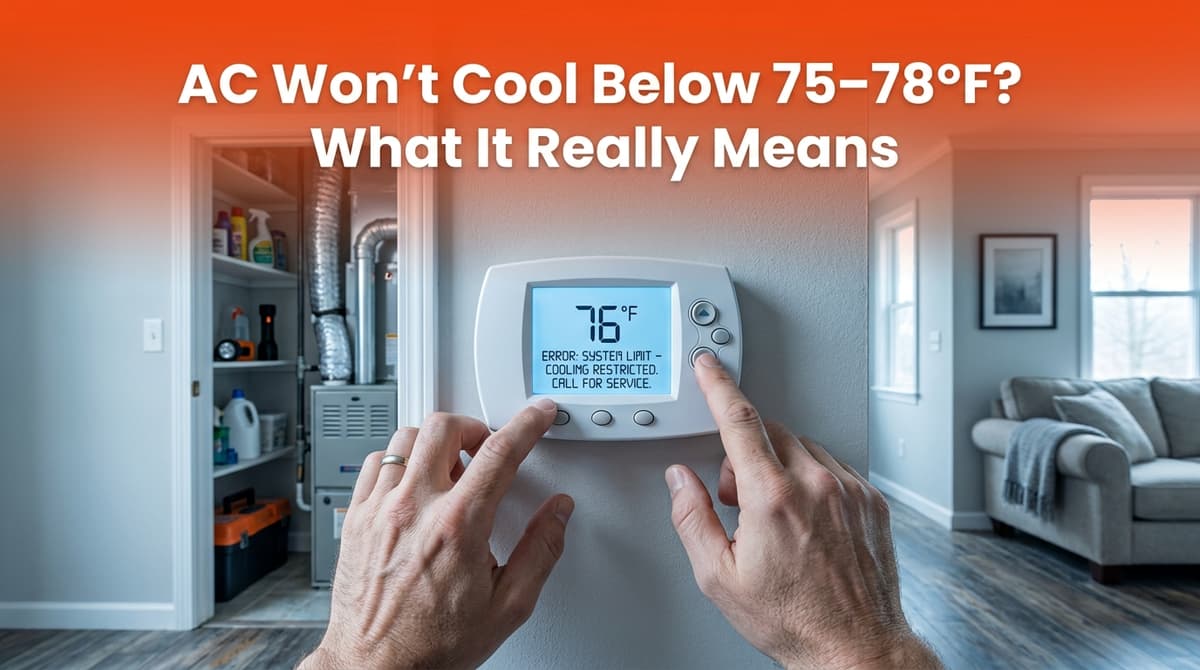
We recently got a call from a customer’s daughter — we’ll call her Linda — who was trying to help her dad with his AC. She told us his thermostat kept flashing a cooling problem message, the system had already had a new compressor and new blower wheel (“the squirrel cage thing,” as she put it) last summer, and yet the house still wouldn’t drop below about 75–78°F on hot afternoons.
If that sounds familiar, you’re not alone. We see this pattern a lot: recent repairs, a fairly new system (three to five years old), but the home just won’t cool the way it should — and the thermostat is throwing errors.
What it really means when your AC won’t go below 75–78°F
When we arrived at Linda’s dad’s home, the thermostat was set to 72°F, but the indoor temperature was holding steady at 76°F even though the system had been running for hours. That tells us a few things right away:
- The system can run (so it’s not completely failed).
- It’s struggling to remove enough heat to match the load on the house.
- Something is limiting capacity — either in the equipment or the home itself.
In our climate, a properly sized and healthy AC should usually keep you within about 20°F of the outdoor temperature under design conditions. So if it’s 95°F outside, staying in the mid-70s is normal. But if it’s only in the mid-80s and your system still can’t get below 77–78°F, that’s a sign of a problem.
Common causes when AC won’t cool enough (even after repairs)
Linda’s big question was, “They already put in a new compressor and that squirrel cage thing — why is he still having cooling problems?” Here are the most common reasons we find when a system keeps underperforming after parts have been replaced:
1. Airflow problems inside the home
The “squirrel cage” she mentioned is the blower wheel that moves air across the evaporator coil and through your ducts. Even with a new blower, you can still have weak airflow if:
- Filters are dirty or restrictive (even brand-new filters can be too restrictive if they’re the wrong type).
- Return vents are blocked by furniture, rugs, or closed doors.
- Ductwork is undersized, leaky, or kinked, especially in attics or crawlspaces.
In Linda’s dad’s case, we found several closed supply vents and a badly clogged filter. That alone can easily add a few degrees to the indoor temperature when it’s hot outside.
2. Outdoor unit issues and high heat load
Even with a new compressor, your outdoor unit still has to reject all the heat it pulls from the home. Capacity drops if:
- The condenser coil is dirty or blocked by grass, weeds, or fencing.
- The fan is not moving enough air (wrong speed, bad capacitor, or failing motor).
- Refrigerant charge is off — too high or too low from a previous repair.
A quick visual inspection often tells us a lot: matted coils, debris, or a hot, noisy unit that never shuts off are big clues.
3. Thermostat and control issues
When Linda called, she said the thermostat was flashing “cooling problem” and mentioning that the system had been running for four hours. Many modern thermostats track how long the system runs without reaching the set temperature, then post an alert.
Those alerts don’t always mean “your system is dead,” but they usually mean one of these:
- Temperature isn’t dropping as expected (capacity issue).
- Safety switches (like a float switch on the drain pan) have tripped.
- Communication problems between the thermostat and system in communicating units.
Sometimes a thermostat can also be slightly miscalibrated, so it thinks it’s cooler or warmer than it really is. We always verify with our own thermometers.
What thermostat error and “cooling problem” messages usually mean
Different brands use different wording, but a “cooling problem” or similar message often means the thermostat has detected one of these patterns:
- AC running too long without reaching the setpoint (like Linda’s “running for four hours” message).
- Temperature rising or staying flat while the system is in cooling mode.
- Low airflow or coil freeze protection kicking in, depending on the system.
Here’s what you can safely check before you call:
- Make sure the system is actually set to COOL, not just “auto” fan.
- Verify the thermostat setpoint is at least 3–4°F below the room temperature.
- Replace or check your air filter and open all supply and return vents.
- Look at the indoor unit’s drain pan (if you can see it) to see if water is overflowing.
If the error returns after you’ve checked these items — or the system keeps running for hours with no improvement — that’s when it’s time for a professional to step in.
How we diagnose “won’t cool below 75–78°F” problems on-site
When we arrive to a home like Linda’s dad’s, we follow a step-by-step process so we’re not just guessing at parts to replace. Here’s a quick look at what we typically do:
- Measure supply and return temperatures to check temperature drop across the coil.
- Check static pressure and airflow to see if ducts, filters, or blower settings are restricting air.
- Inspect indoor and outdoor coils for dirt, damage, or ice.
- Verify refrigerant charge using pressures, temperatures, and manufacturer specs.
- Inspect the electrical side — capacitors, contactors, wiring, and thermostat connections.
The goal is to find the root cause. In many cases, the problem is a combination of things: some duct issues, a dirty coil, an incorrect charge left over from a previous repair, or simply a system that was undersized from day one.
When it’s time to call a professional (and not keep DIY’ing)
There are a few clear signs it’s better to schedule a service visit instead of hoping the system will “catch up” on its own:
- The thermostat shows a cooling or system error more than once.
- The AC runs 3–4 hours straight and the temperature barely moves.
- You notice ice on the refrigerant lines or indoor unit.
- You hear unusual noises from the indoor or outdoor unit.
- Repairs were done recently, but the symptoms never really went away.
In Linda’s dad’s case, the system had already had major parts replaced, which is exactly why she called us — she didn’t want to keep throwing money at it without understanding what was really going on.
How preventive maintenance helps your AC hit those lower temps
One of the best ways to avoid the “stuck at 77°F” problem is regular, professional maintenance. During a seasonal tune-up, we:
- Deep-clean coils so heat can move efficiently in and out of your home.
- Check and adjust airflow, blower speeds, and duct connections.
- Test capacitors, motors, and safety switches before they fail mid-summer.
- Verify refrigerant levels and look for signs of slow leaks.
You can also help by:
- Changing filters every 1–3 months (depending on type and usage).
- Keeping at least 2 feet clear around the outdoor unit.
- Sealing obvious duct leaks in accessible areas and not closing too many supply vents.
A little prevention goes a long way toward keeping your home comfortable and avoiding those long run times and warning messages.
Still stuck at 75–78°F? We’re here to help
If your home feels a lot like Linda’s dad’s — thermostat errors, long run times, and a house that just won’t cool down — there is a reason, and it can be diagnosed. Whether it’s airflow, refrigerant charge, duct issues, or a control problem, our job is to find the root cause and give you clear options, not just keep swapping parts.
If you’re seeing cooling problem messages or your AC never seems to catch up, reach out and we’ll take a thorough look so you can get back to a comfortable, truly cool home.