Smart Thermostat Confusion? Take Control of Your HVAC
New high‑efficiency HVAC system acting on its own? Learn how smart thermostats work, stop surprise heat/cool swings, and set up comfort settings that fit your life.
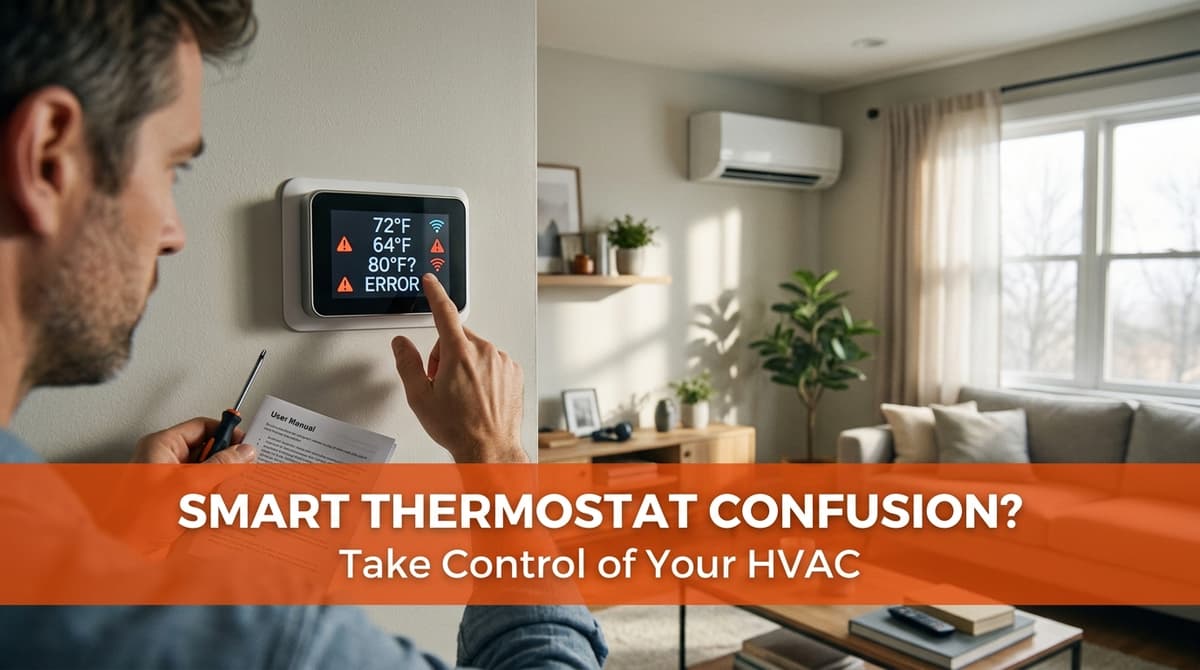
“Our new system keeps changing by itself!”
We recently got a call from a new homeowner — let’s call her Linda — who had just moved into a brand‑new house with a high‑efficiency HVAC system and a communicating smart thermostat.
The system was technically “working,” but not in a way that felt comfortable. As Linda put it, “We just want to be able to control it ourselves. It’ll run the air, then kick on the heat, and at night it gets way too cold even though I set it.” Her builder told her she’d love the system once she learned it, but right then it just felt like the thermostat had a mind of its own.
If that sounds familiar, you’re not alone. We see this a lot with new builds and upgrades: the equipment is great, but the learning curve is real. So we thought we’d walk through what’s actually going on with these smart/communicating thermostats and how you can take control of your new high‑efficiency HVAC system.
Why your smart thermostat seems to “do its own thing”
Modern high‑efficiency systems with smart or communicating thermostats are designed to think ahead. Instead of simply turning on at 72°F and off at 73°F, they use comfort algorithms to:
- Predict how fast your home heats and cools
- Switch between low and high stages of heating or cooling
- Sometimes even switch between heat and cool automatically
To a homeowner who’s used to a simple “ON/OFF” thermostat, this can look like the system is misbehaving. In reality, it’s trying to maintain comfort as efficiently as possible — but the default factory settings don’t always match how you actually live.
Auto changeover: When heat and cool both run in one day
One of the most confusing features is called auto changeover. That’s when the thermostat is allowed to use both heating and cooling to keep you within a set comfort band.
For example, if your thermostat is set to heat at 70°F and cool at 74°F with auto changeover enabled, a swing in outdoor temperature can make the system heat in the morning and cool in the afternoon — without you touching anything. That’s great for day‑to‑day comfort, but it can feel wrong if you’re used to putting the system in “HEAT” all winter and “COOL” all summer.
Comfort algorithms vs. simple temperature holds
Many smart thermostats also use learning or “comfort” modes that try to keep the temperature very stable and pre‑heat or pre‑cool based on patterns. That can mean:
- Starting earlier than your programmed time to hit the target right on schedule
- Overshooting a degree or two if the thermostat is still “learning” your home
- Ignoring big manual changes if they conflict with learned schedules
When Linda told us her home was getting “way too cold at night,” we suspected her thermostat was combining a schedule, an energy‑saver setback, and an auto comfort mode — all working against what she was trying to do manually.
Setbacks and schedules: Helpful when they match your lifestyle
Most communicating thermostats come pre‑loaded with a basic schedule: warmer in the morning and evening, cooler during the day and overnight. If that doesn’t line up with your routine, it can absolutely feel like the system is ignoring you.
How setback schedules work
A setback is just a planned change in temperature to save energy when you don’t need as much heating or cooling. Common examples:
- Cooling set a bit higher while you’re at work
- Heating set a bit lower overnight when you’re under blankets
- Comfort temperature resumed shortly before you wake up or come home
On high‑efficiency systems, these setbacks are often paired with low‑stage operation so the system runs longer at a lower speed. That’s efficient and usually more comfortable — but only if the schedule fits your actual day.
When to use (and when to avoid) setbacks
We generally suggest:
- Moderate setbacks of 2–4°F for most homes
- Smaller setbacks for very tight, well‑insulated houses (they don’t cool off or heat up quickly)
- No aggressive setbacks for homes with humidity issues or radiant systems unless configured carefully
If you’re waking up too hot or too cold, that’s a sign your current setbacks (or the factory defaults) need adjusting.
Step‑by‑step: Taking control of your new smart thermostat
When we visited Linda’s home, we walked her through a simple process that works for most brands (Nest, Ecobee, Carrier, Lennox, communicating stats, and others). Here’s the same basic roadmap you can follow:
1. Turn off the “mystery” features temporarily
First, we aim to make the system predictable again:
- Switch system mode from AUTO to HEAT or COOL only, depending on the season
- Disable any “smart learning,” “eco,” or “adaptive recovery” modes just for now
- Clear or temporarily disable any existing schedules
This puts you in a simple manual mode so you can see how the equipment behaves.
2. Set a straightforward comfort temperature
Next, choose one target:
- Cooling: pick something in the 72–76°F range
- Heating: pick something in the 68–72°F range
Use a HOLD or PERMANENT HOLD feature if your thermostat has it. Live with that setting for a day or two so you can tell if the system maintains it comfortably without big swings.
3. Build a simple schedule that matches your real life
Once the system feels stable, it’s time to re‑introduce a schedule. We usually start customers with just two periods:
- Home/Evening: Your preferred comfort temperature
- Sleep: 2–3°F cooler (for cooling) or 2–3°F lower (for heating)
You can always add “Away” or “Work” periods later, but keeping it simple at first prevents surprises like Linda’s freezing bedroom at 2 a.m.
4. Decide if you really want auto changeover
In shoulder seasons (spring and fall), auto changeover can be handy, but it also causes the most confusion. We usually ask homeowners:
- Are you okay with the system heating in the morning and cooling in the afternoon?
- Do you prefer to manually switch once or twice a year instead?
If you’d rather have full control, leave auto changeover off and just switch from HEAT to COOL (and back) when the weather changes for good.
Using the app without losing control
Another thing we helped Linda with was moving the thermostat from the builder’s contractor account into her own app profile. Until that’s done, you may not be able to see or change all the settings.
Get the thermostat into your name
If your system is new or you’re the first owner, we recommend:
- Downloading the manufacturer’s app listed on the thermostat or paperwork
- Creating your own account and linking the thermostat using the on‑screen code
- Having your HVAC contractor remove any old contractor or builder login if it still shows
Once it’s in your account, you can safely tweak schedules, modes, and alerts — and your contractor can still have service‑level access if needed, without overriding your everyday control.
Common app‑related “operator errors” to avoid
- Changing temps in the app without updating the schedule — the schedule will overwrite your manual change at the next time period.
- Using multiple phones — make sure everyone in the home is logged into the same account to avoid conflicting settings.
- Ignoring firmware updates — these often fix bugs and improve comfort algorithms; let them run when prompted.
Quick FAQ: New smart thermostat headaches
Why does my system run so often if it’s “high efficiency”?
Many high‑efficiency systems are designed to run longer at lower speeds. That’s normal and usually more efficient than short, loud cycles. As long as the temperature is stable and your bills are reasonable, that constant gentle operation is a feature, not a problem.
Is it bad if heat and cool both run on the same day?
Not necessarily. With auto changeover, the thermostat is just trying to hold a narrow comfort band. If you don’t like it — or you’re concerned about energy use — turn off auto mode and stick to HEAT or COOL only.
When should I call a pro instead of just changing settings?
If the thermostat is unresponsive, you see error codes, rooms never reach the set temperature, or the system is short‑cycling (rapidly turning on and off), it’s time for a professional checkup. Those signs point to possible wiring, sensor, or equipment issues rather than simple programming.
When a smart thermostat upgrade makes sense
If you’re still on an older, basic thermostat and thinking about an upgrade, a smart or communicating thermostat can be a great idea when:
- You have or are installing a variable‑speed or two‑stage HVAC system
- You want remote control from your phone and clear energy reports
- You keep a fairly regular schedule and are willing to program it once
We usually recommend sticking with the thermostat brand that’s designed to talk to your equipment, especially on communicating systems. That’s how you unlock the full efficiency and comfort features without a lot of tinkering.
Need help taming your “too smart” thermostat?
If your new high‑efficiency system feels like it’s in charge instead of you, we’re happy to help. We can come out, transfer the thermostat into your name, walk you through the app, disable the confusing extras, and then re‑enable the features that actually make sense for your home and routine.
Once everything is set up correctly, most homeowners tell us the same thing Linda did after her visit: “Now that we understand it, we do love this system.” If you’re ready for that level of comfort and control, reach out and we’ll get your smart thermostat working with you instead of against you.