Why Your AC Takes So Long to Cool After Vacation
Back from vacation and your AC takes all night to cool down? Learn what’s normal, what’s a red flag, and when it’s time to schedule a professional inspection.
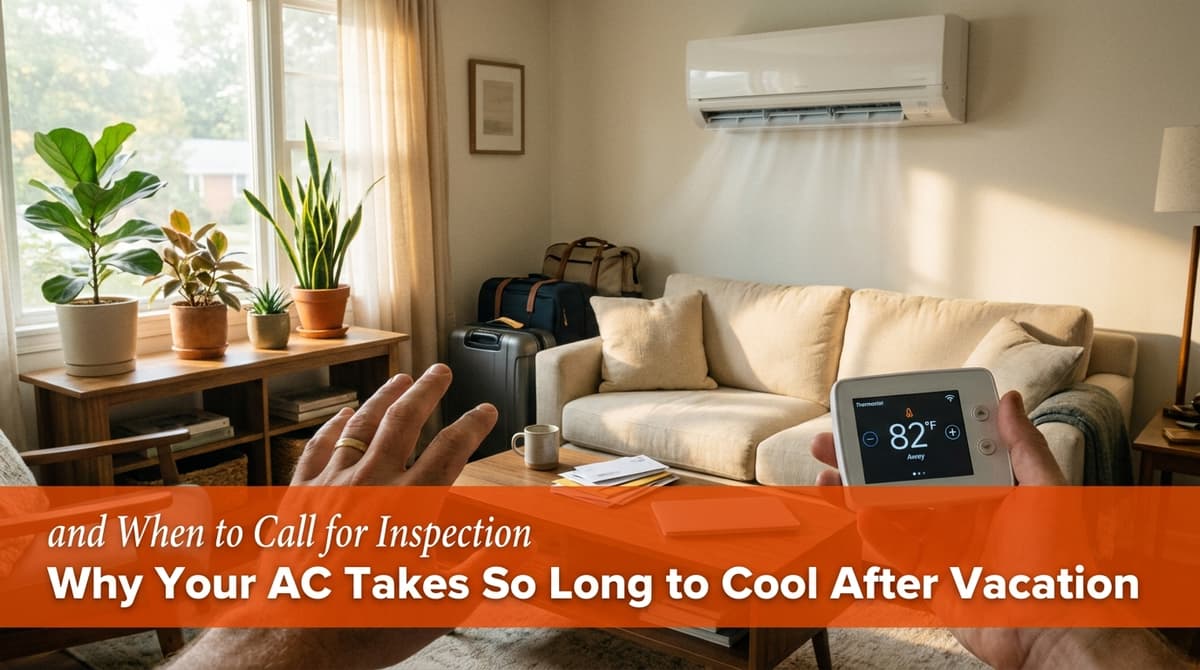
Why Your AC Struggles After Vacation
We recently got a call from a homeowner — let's call him Jason — who had just come back from vacation and was worried something was wrong with his AC.
Before leaving town, Jason did what a lot of people do: he bumped his thermostat up to 85°F to save on energy. On his way home, he used his phone to drop it back down to 72°F so the house would be comfortable when his family walked in the door.
When they arrived around 3:00 p.m., the house was still hot. It didn’t reach 72°F until about 11:00 p.m., and it finally hit 70°F around 1:00 a.m. Jason told us, “It just feels like it shouldn’t take that long to cool down four or five degrees.” The system was working, but it felt like it was struggling — and he’d noticed the same thing happen twice in one week.
We hear this kind of story a lot, especially in the hottest months. Let’s walk through why this happens, when it’s normal, and when it’s a sign you should call us for an inspection.
How Your AC Cools a Hot House (And Why It’s Slow After Time Away)
When we talked with Jason, the first thing we explained was that air conditioners are designed to cool gradually, not instantly. Most systems are built to handle about a 15–20°F difference between indoor and outdoor temperature under normal conditions.
When you come home to a house that’s been sitting at 85°F for hours (or days), you’re asking your system to do three big jobs at once:
- Cool all the air inside your home
- Cool the structure itself — walls, ceilings, floors, and furniture that have all absorbed heat
- Remove humidity, which makes the air feel hotter and heavier
Even if your thermostat is set to 72°F, all that stored heat in the building materials is still radiating back into the air. That’s why it can feel like your system is “stuck” a few degrees higher for hours. The AC is actually working constantly; it’s just fighting against a lot of built-up heat.
In Jason’s case, when he checked his app the next morning, the thermostat was holding 70°F while it was around 79°F outside, which told us the system can keep up once the house is cooled back down. That’s an important clue.
What’s Normal After You Turn the Thermostat Way Up?
From our field experience, here’s what we usually consider normal when you return from vacation and drop the thermostat back down:
- It takes several hours (sometimes most of the evening) to go from the mid-80s to the low 70s, especially if you return in the heat of the afternoon.
- The AC runs almost nonstop during that period.
- Once the home and furniture cool down, the system starts cycling on and off more normally and can hold your set temperature overnight and into the next day.
So if your situation looks a lot like Jason’s — long cool-down after vacation, but reasonable performance afterward — your system may be working harder than usual, but not necessarily failing.
However, there are some red flags we listen for on calls that tell us it’s time to schedule an inspection or at least a full tune-up.
Red Flags: When a Slow Cool-Down Means a Problem
When Jason called, he mentioned that this had happened twice in the same week and that the system “just didn’t feel right.” That’s when we start looking beyond the normal vacation warm-up and consider deeper issues.
Here are some warning signs that go beyond “just needs time to catch up” — along with what might be causing them:
1. The AC Never Reaches the Set Temperature
If you set the thermostat to 72°F and it never gets there, even overnight, that’s a concern. Common causes we find include:
- Refrigerant issues (low charge or leak) that reduce cooling capacity
- Dirty outdoor coil that can’t release heat effectively
- Undersized system for the square footage or insulation level of the home
Those are all inspection-level problems, not DIY fixes.
2. It Used to Cool Faster, But Now Struggles
If you’ve owned the home for a while and you notice a change in performance — longer run times, slower cool-down, hotter rooms — something has drifted out of spec. We often find:
- Clogged filters and dirty indoor coils restricting airflow
- Failing fan motors or weak capacitors making the system run sluggishly
- Duct leaks sending your cooled air into the attic or crawl space
These issues usually show up gradually, which is why a yearly tune-up is so valuable. We catch them before you’re miserable.
3. Big Temperature Swings or Hot Spots
Jason mentioned that his home could drop into the mid-70s overnight but seemed to fight during the day. If you also notice big swings — cool at night, uncomfortably warm in the afternoon — we look at:
- Thermostat placement (for example, in a hallway that doesn’t represent the whole house)
- Poor duct design or balance, leaving some rooms starved for airflow
- Insulation and window gains on the sunny side of the house
Sometimes the system is fine, but the home itself needs a few upgrades to help your AC out.
Quick Checks You Can Do Before Calling Us
When homeowners call us with concerns like Jason’s, we often walk them through a few simple checks before we schedule a visit. You can do the same:
- Check and replace the air filter. If it’s gray, fuzzy, or older than 1–3 months, change it. A clogged filter is the most common cause of poor cooling.
- Look at the outdoor unit. Make sure it’s not choked with leaves, grass clippings, or bushes. You should have at least 2 feet of clear space around it.
- Confirm thermostat settings. Make sure it’s on “Cool,” the temperature is set correctly, and it’s not accidentally on a schedule you forgot about.
- Verify internet/app connection if you use a smart thermostat. Jason suspected his phone command might not have gone through; that’s more common than people think.
If everything above looks good and your AC still seems to struggle — especially more than it did last season — it’s time for us to take a closer look.
When to Schedule a Tune-Up vs. a Diagnostic Visit
On Jason’s call, he asked a smart question: should he just get a basic inspection, or something more thorough? We walked him through the same options we offer most homeowners:
- AC tune-up: A full maintenance visit where we clean coils, check refrigerant levels, test electrical components, measure temperatures and pressures, and make sure the system is running efficiently.
- Diagnostic visit: A focused visit where we track down a specific performance problem, explain what we find, and give an estimate for any needed repair.
In Jason’s case, we scheduled both on the same visit so we could give his system a full health check and address any hidden issues causing the slow cool-down. That approach makes a lot of sense when you’ve just moved into a home and don’t know the AC’s service history.
How to Avoid the Post-Vacation Cooling Struggle
To make your next return from vacation more comfortable (and easier on your system), here’s what we recommend to our customers:
- Don’t set the thermostat too high. Instead of 85°F, consider 78–80°F. You’ll still save energy without letting the house and furniture bake.
- Use a schedule or smart thermostat correctly. Set it to start cooling several hours before you arrive, and double-check that the Wi‑Fi and app are connected.
- Keep up with regular maintenance. A clean, well-tuned system recovers from temperature setbacks much faster than a neglected one.
If you’ve just come home from a trip and your system took all night to catch up — or never really did — we’re happy to come out, give it a full inspection, and let you know whether it’s just working hard or truly struggling. Our goal is always the same: help your home feel comfortable again, without surprises on your energy bill.